

What recipients see
Цей вміст ще не доступний вашою мовою.
You do not need an account to reveal a secret someone sent you. Opening the link and revealing the content are separate steps. Loading the page does not consume the secret; confirming the reveal retrieves its content once and deletes the stored secret.
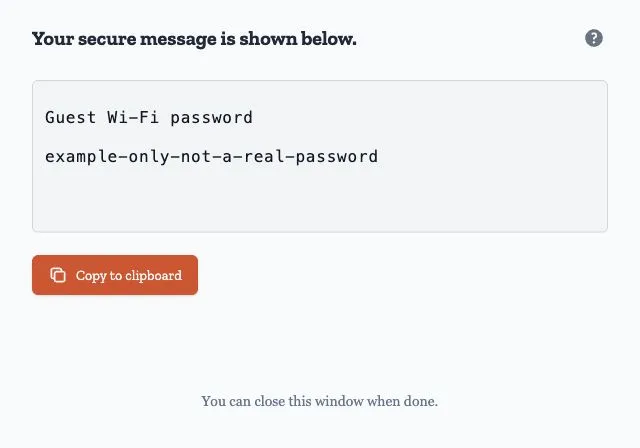
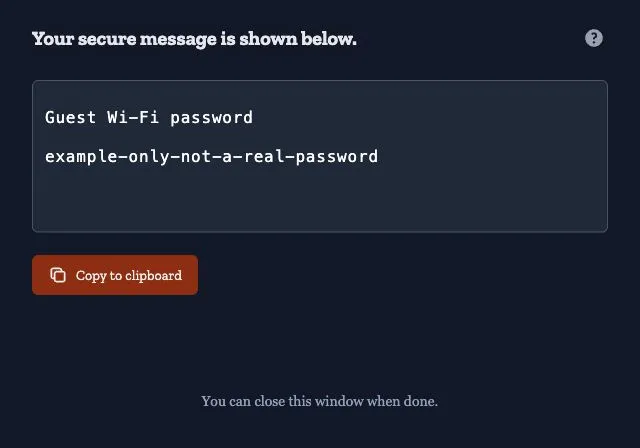
The screenshots show the hosted service at ca.onetimesecret.com with a fictional guest Wi-Fi password. A custom domain may use different branding and instructions.
What arrives
Section titled “What arrives”The sender may send you the link in a chat, ticket, or email. If they use the service’s email option, the message contains the link and identifies the sender. It does not contain the secret content or passphrase. Ask the sender separately for a passphrase if one is required.
A custom domain can use its own configured email sender; see Email sender.
Before you reveal anything
Section titled “Before you reveal anything”Opening a valid link displays a confirmation page with the content hidden. The reveal action reads Click to reveal and warns that the content will only be shown once.
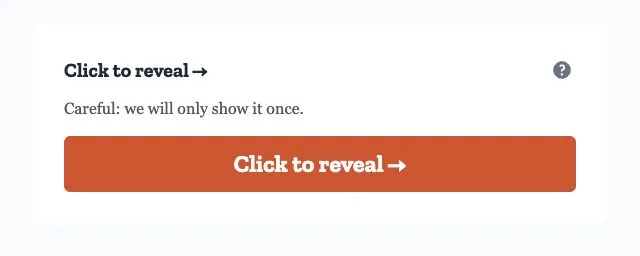
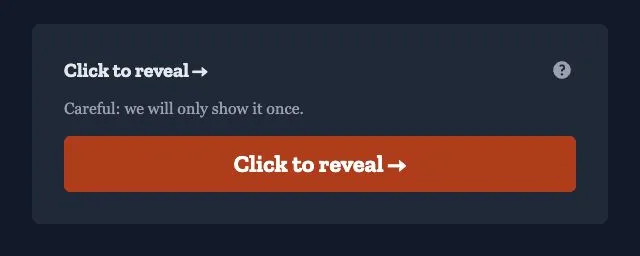
A scanner or chat preview that only fetches the page does not consume the secret. Software that submits the reveal action can consume it.
If you are the sender, do not reveal the secret to test it. Your recipient will then be unable to retrieve it. The app may warn a signed-in creator, but cannot identify the creator of a secret made while signed out. Check your receipt instead.
If a passphrase was set
Section titled “If a passphrase was set”Enter the passphrase provided by the sender. If you do not have it, check the other channel they used or ask them through a different channel from the link. Onetime Secret cannot recover it.
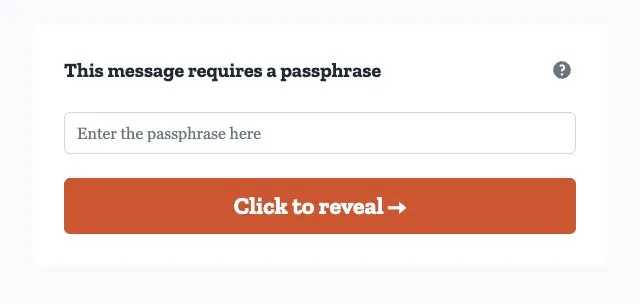
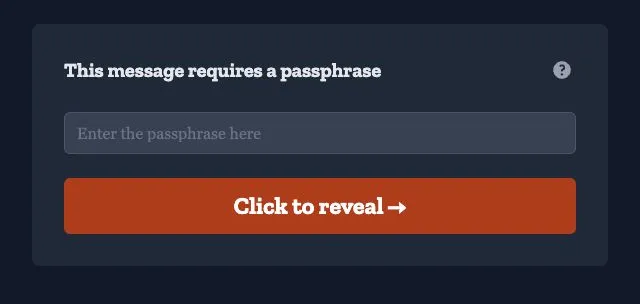
An incorrect passphrase does not consume the secret. Repeated incorrect entries can temporarily block further attempts, including attempts with the correct passphrase. Wait for the lockout to end before trying again. See Incorrect passphrase.
The passphrase checks access to the secret; it is not the content’s encryption key. See Data protection.
Revealing the content
Section titled “Revealing the content”The service allows at most one successful reveal. If two requests try to reveal the same secret concurrently, only one can retrieve the content. This limits retrieval from the service; it does not stop a recipient copying or sharing what they read.
The revealed content has a copy action. Save it in its intended destination, such as your password manager or application configuration, before leaving.
Reloading and reopening
Section titled “Reloading and reopening”After a reveal, reloading or opening the same link on another device cannot retrieve the content again. The displayed page may still contain the revealed value until you leave, but do not rely on browser history to recover it.
The sender’s receipt records the outcome, not a recoverable copy of content they entered. If you need it again, ask the sender to create a new secret.
When the link is already gone
Section titled “When the link is already gone”The default unavailable-secret message is This secret has been viewed or expired. It covers a secret that was revealed, burned, or expired, and an address that never referred to a secret.
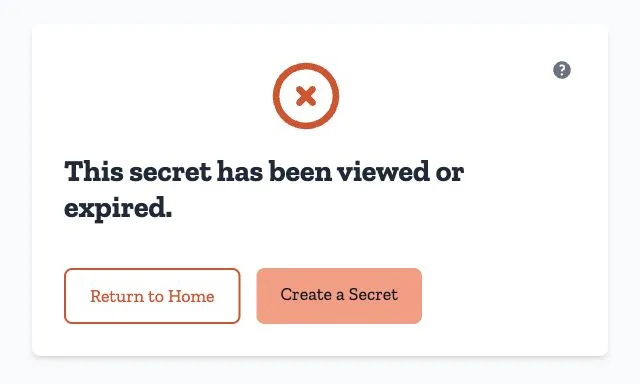
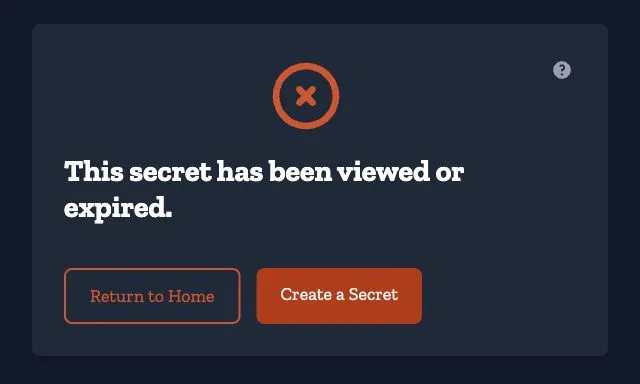
The page does not distinguish these cases because anyone with the address could otherwise learn its history. Ask the sender to check their receipt or send a new secret. See When a link doesn’t work for damaged links, passphrase errors, and connection failures.
What a custom domain changes
Section titled “What a custom domain changes”A custom domain changes the address and appearance of the page. It can apply its logo, colors, fonts, language, and instructions before or after reveal. The unavailable-secret message can also differ from the default wording above.
These settings do not change the single-reveal behavior. See Branding your domain for domain appearance settings.
What the sender learns about you
Section titled “What the sender learns about you”The sender’s receipt shows link-fetch counts and timestamps, plus whether and when a reveal succeeded. Fetch history is capped and can include scanners. These observations do not prove the intended recipient read the content.
The receipt does not show the reader’s name, account email, or location. An optional reveal email gives the sender the secret’s short identifier and reveal time, without identifying the reader.
Organization activity is a separate record. When activity collection is enabled for a secret created in an organization’s context, events can include:
- An actor label, such as Anonymous, Creator, or Another signed-in user.
- A full internal account identifier for an authenticated actor. Owners and admins with access to the activity record can resolve it to an email address when that account has an active membership in the organization. Other account identifiers are not resolved to an email by that membership lookup.
- Masked network information, a shortened browser identification string, and a correlation token for link fetches. A country code may also be recorded where country collection is enabled.
An unsigned-in request has no authenticated account identifier in this record. That does not guarantee anonymity: network context and information outside this record can still be relevant. See Secret Activity for access and retention details.
Related pages
Section titled “Related pages”- Sharing secrets — creating and sending a link
- When a link doesn’t work — errors and next steps
- Your receipt — what a sender can see and do
- Request a secret — collecting information from someone else
- Glossary — receipt, passphrase, reveal, and burn